Nexus
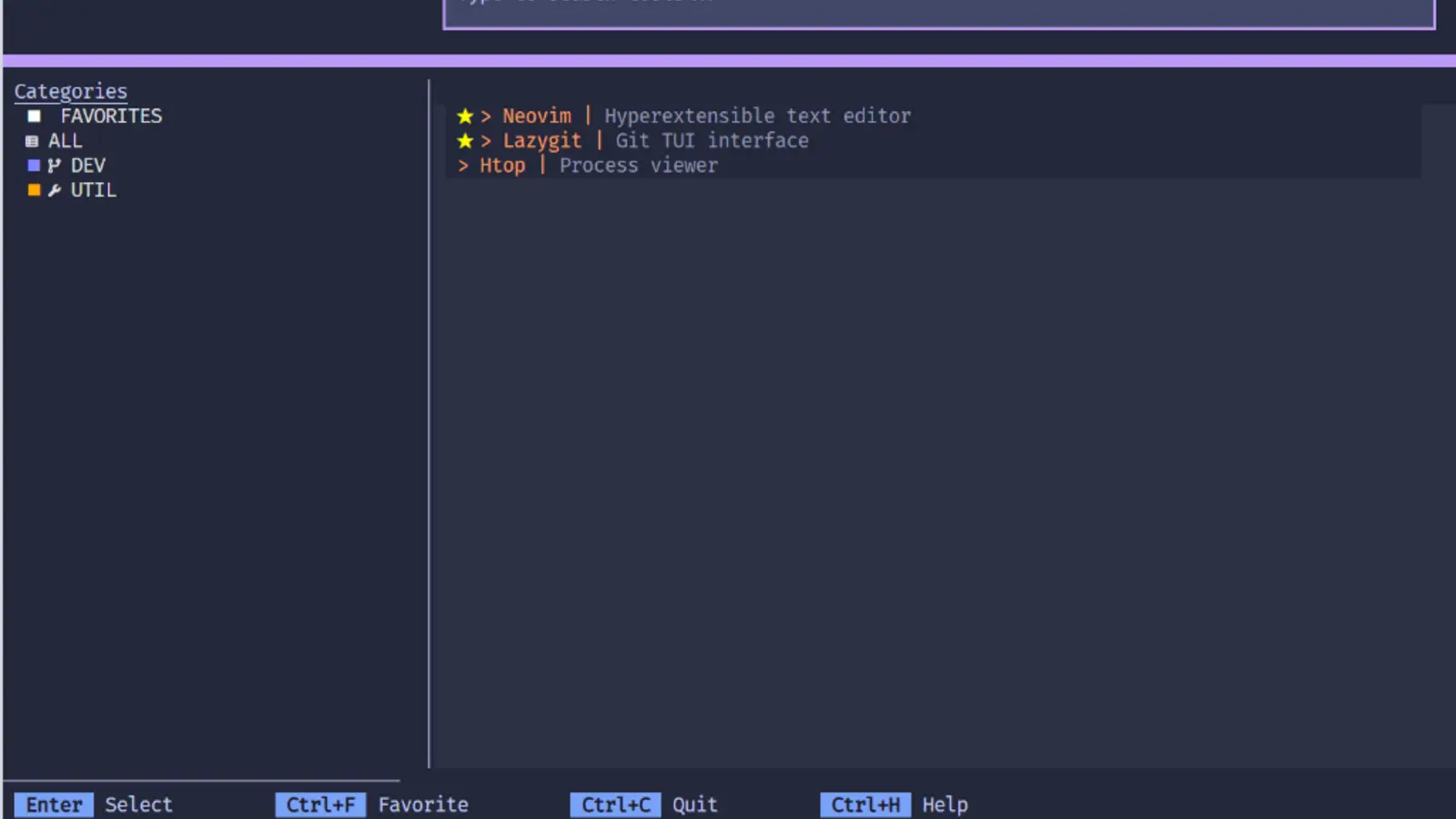
A terminal dashboard that launches TUI apps so I stop forgetting their commands. Published to PyPI as nexus-tui.
Role
Python TUI Developer
- Timeline
- March 2026
Technologies
- Python
- Textual
- TOML
- Infisical
- uv
- PyPI
- GitHub Actions
Tools
- Tokyo Night
- Command Palette
- Fuzzy Search
Background
My terminal setup accumulated tools I use weekly, not daily, and every time I'd forget the command or which directory they lived in. I wanted one place to find and launch them all.
Solution
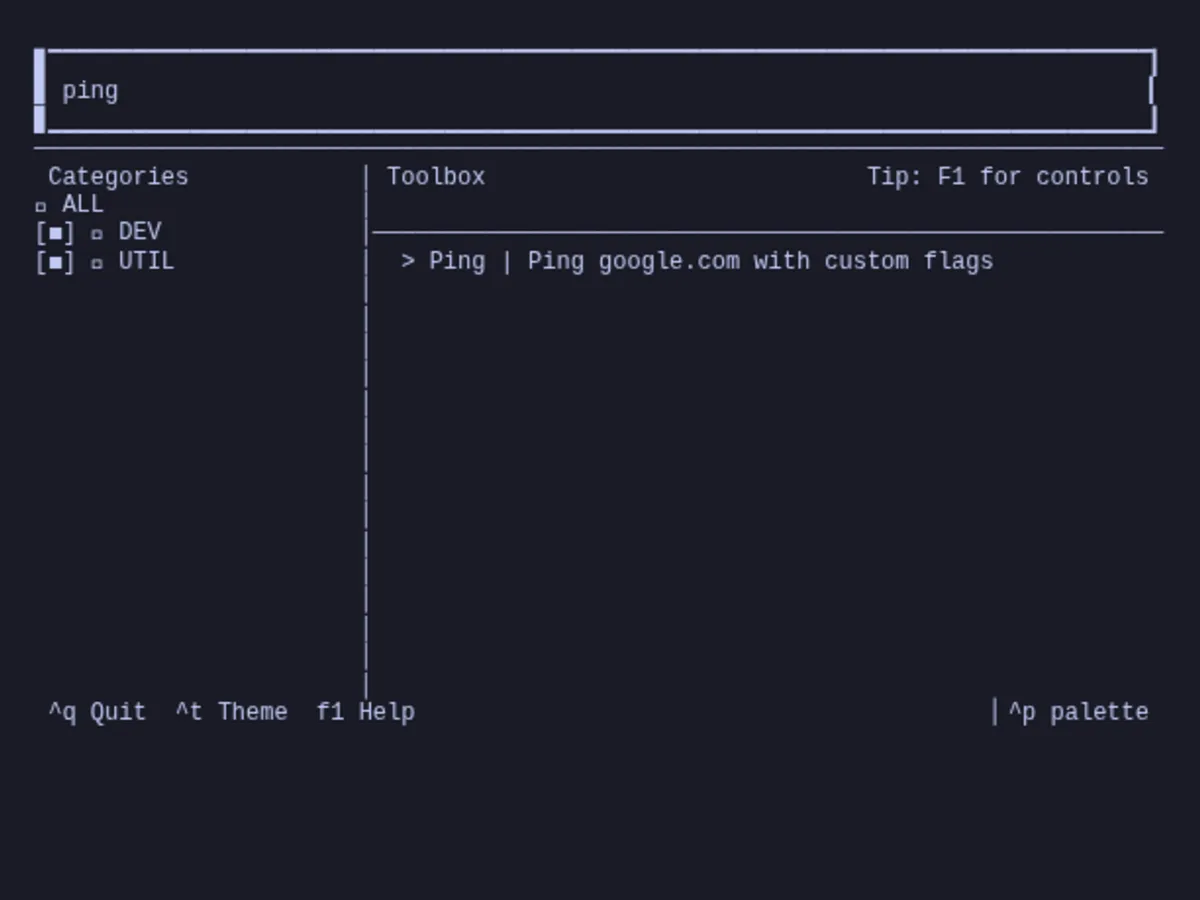
A cross-platform dashboard written in Python with Textual. Tools are defined in a TOML config, and fuzzy search plus a command palette find them fast. Launching suspends the dashboard cleanly and restores it when the tool exits. There's also a project browser for jumping between file contexts.
Process
Most effort went into terminal suspension. Launching a full-screen TUI from inside another TUI wrecks the display if you get it wrong, and cross-platform behavior differs in annoying ways. Managed the environment with uv, published to PyPI as nexus-tui, and automated releases with GitHub Actions.
Final Product
Impact
I stopped looking up commands. Shipping it to PyPI was also my first time taking a personal utility through the full distribution lifecycle: versioning, packaging, publishing.
Reflection
Small organizational tools punch way above their weight day to day. Learned a lot about the Python TUI ecosystem and the edge cases of cross-platform terminal behavior. Eventually I'd like secret-management or remote-execution integrations.